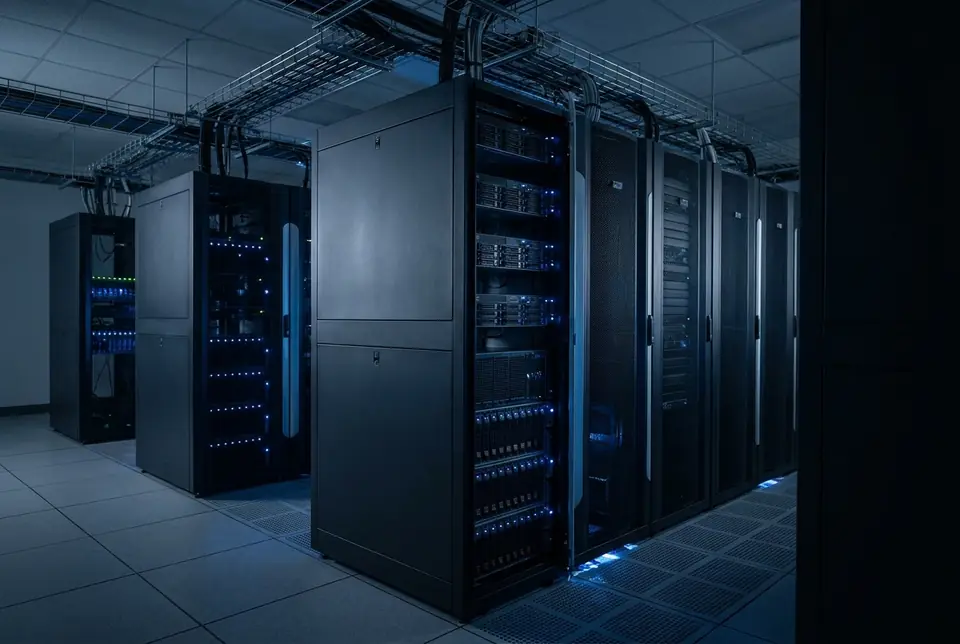
RESEARCH CLUSTER
Example reference architecture for universities and research groups.
- Multi-user scheduling with Slurm or Kubernetes
- Shared high-performance storage
- Quota and project-based allocation
- Mixed training and experimentation workloads

02 Build · Infrastructure You Own
Peregrine designs, specifies, sources, integrates and commissions GPU infrastructure that your organisation owns — then hands it over, or operates it for you.
Lifecycle
A fixed-price project with defined stages. Each stage produces documentation your team keeps.
DISCOVERY
Workloads, constraints, site
ARCHITECTURE
Compute, network, storage
PROCUREMENT
Specify and source
COMMISSIONING
Rack, power, cabling
PLATFORM INSTALLATION
Drivers, CUDA, K8s / Slurm
TESTING
Burn-in and validation
HANDOVER
Documentation or Operate
Deployment options
Infrastructure installed in your own facility where power, cooling and physical security requirements can be met.
Peregrine can arrange hosting in Australian data-centre facilities suited to GPU power densities.
Your hardware in a colocation facility you select or we recommend, with Peregrine handling integration.
Owned infrastructure for steady workloads, complemented by Peregrine capacity or public cloud for peaks.
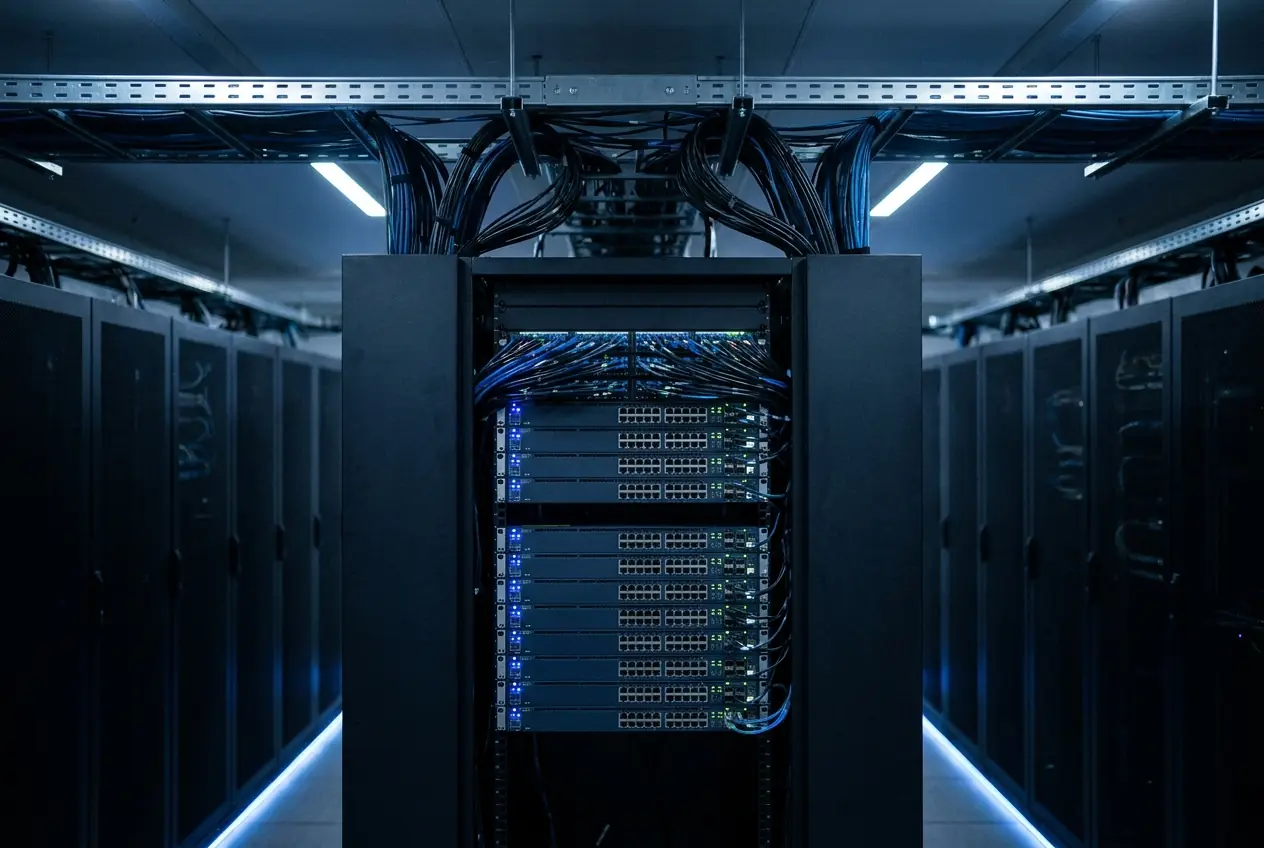
Potential components
Architecture is determined per workload. The components below are potential elements of a build — not a mandatory list — and are selected once requirements are understood.
Peregrine designs, specifies, sources, integrates and commissions infrastructure from established hardware vendors.
GPU Platforms
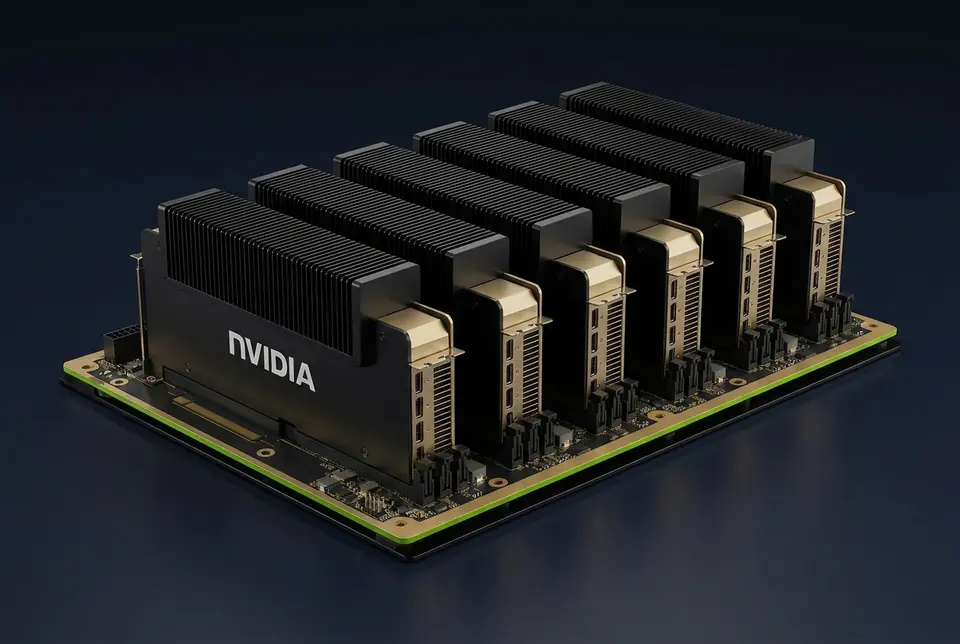
Blackwell Ultra
Large-scale training and high-throughput inference for reasoning models.
View platform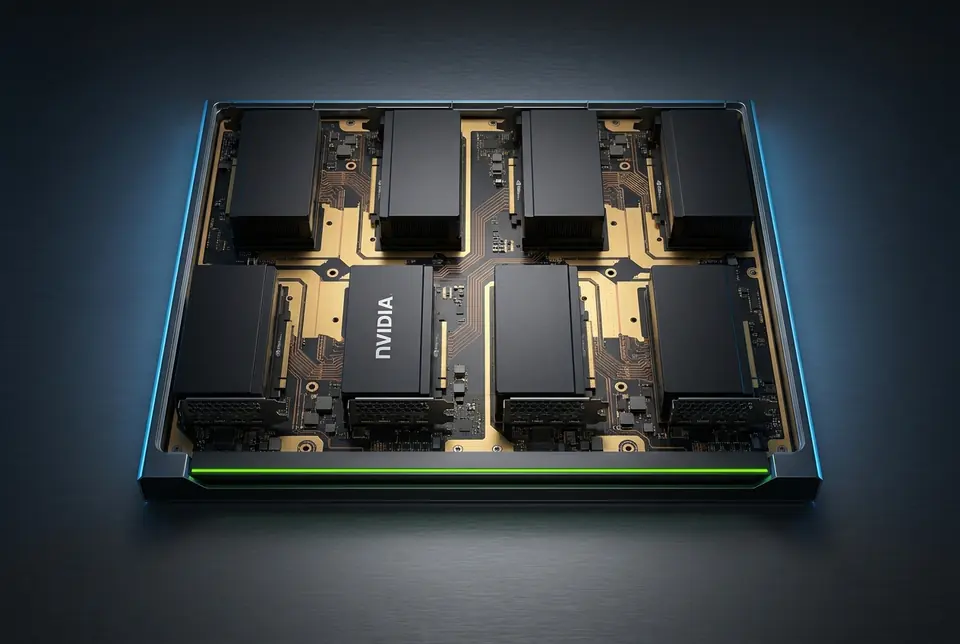
Blackwell
Balanced Blackwell platform for training and production inference.
View platform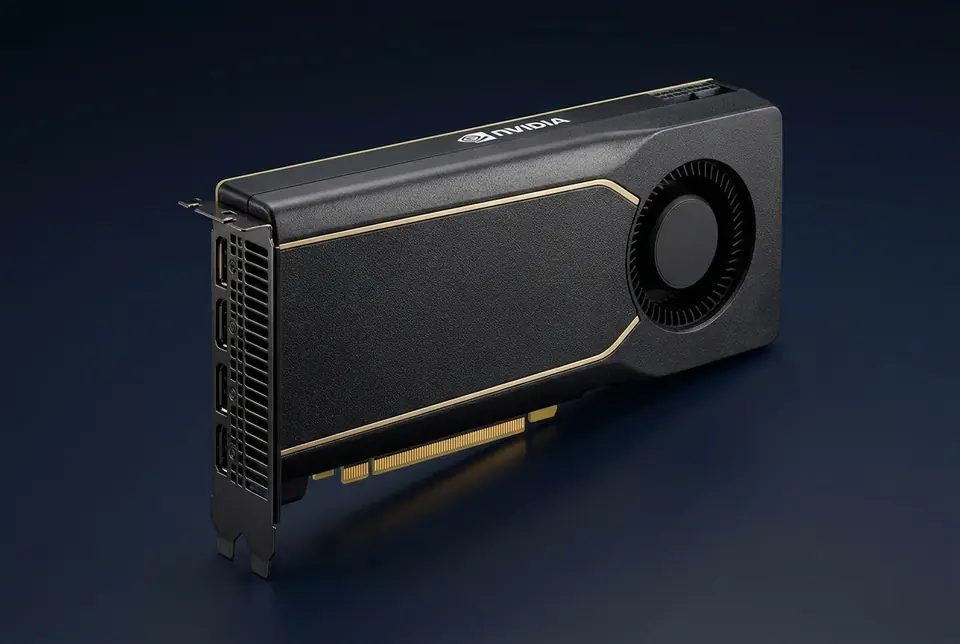
Blackwell · PCIe
Cost-effective per-GPU memory for inference fleets, vision, rendering and digital twins.
View platform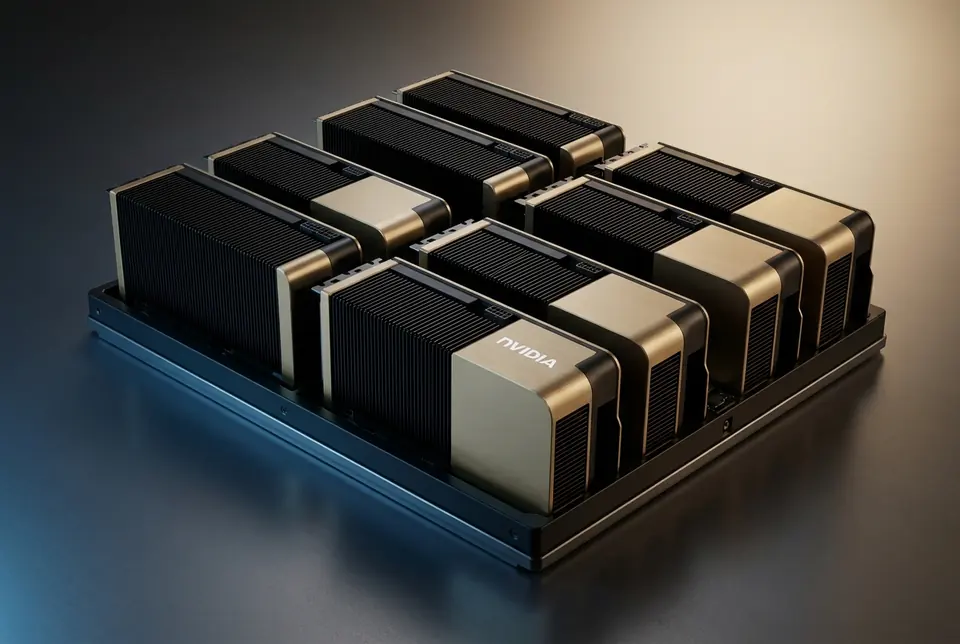
Hopper
Mature ecosystem with larger memory for inference of large models and training.
View platformExample reference architectures
These examples show how components can combine for common objectives. Actual node counts, accelerators and interconnect are determined by your Compute Blueprint.
Example reference architecture for universities and research groups.
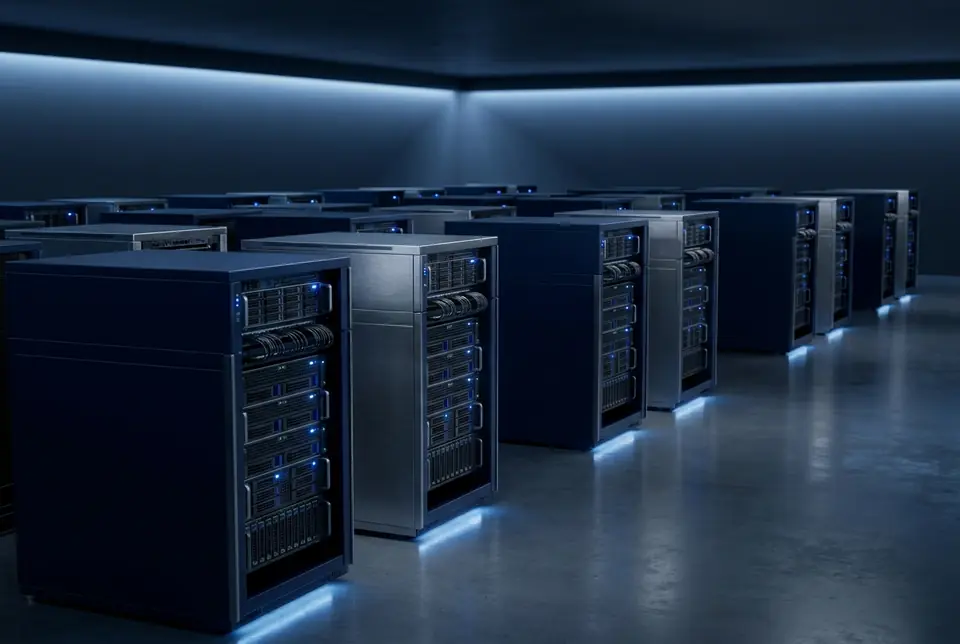
Example reference architecture for serving production models.
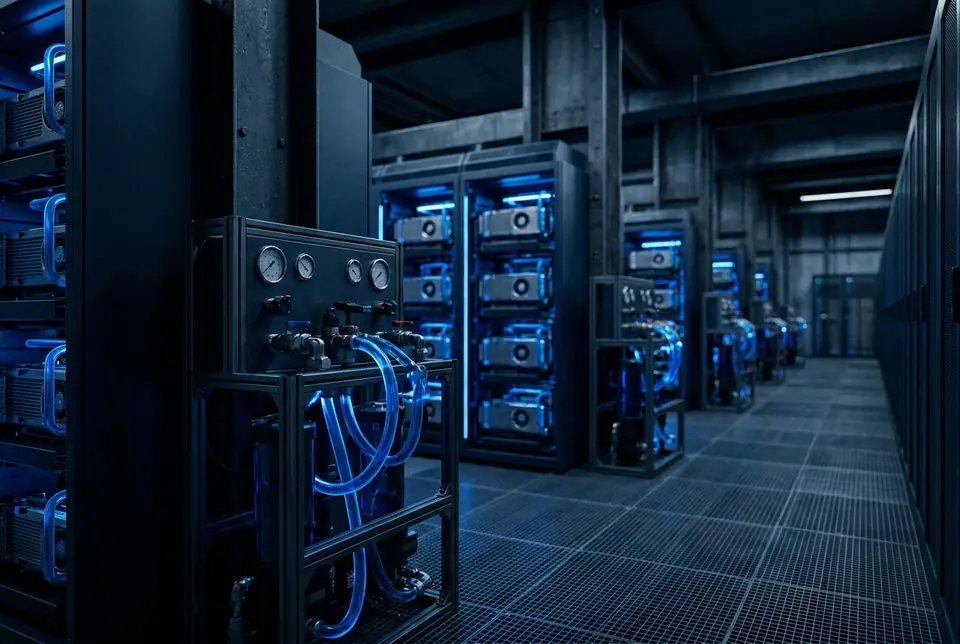
Example reference architecture for large training runs.
How it works
ASSESS
Understand workloads and constraints
DESIGN
Architecture and specification
DEPLOY
Source, install, commission
CONNECT
Networking, storage, platform
SCALE
Expand or add capacity
Share your workload, site and timeframe. We will recommend a deployment option and scope a fixed-price project.